Why Interactive Product Demonstrations Matter in eCommerce
Online shoppers cannot touch, test, or experience products before buying. Interactive product demonstrations help bridge that gap by showing how products look, work, and change in real-world situations. Discover why visual interaction matters in eCommerce and how WooCommerce stores can create more engaging product experiences without unnecessary complexity.
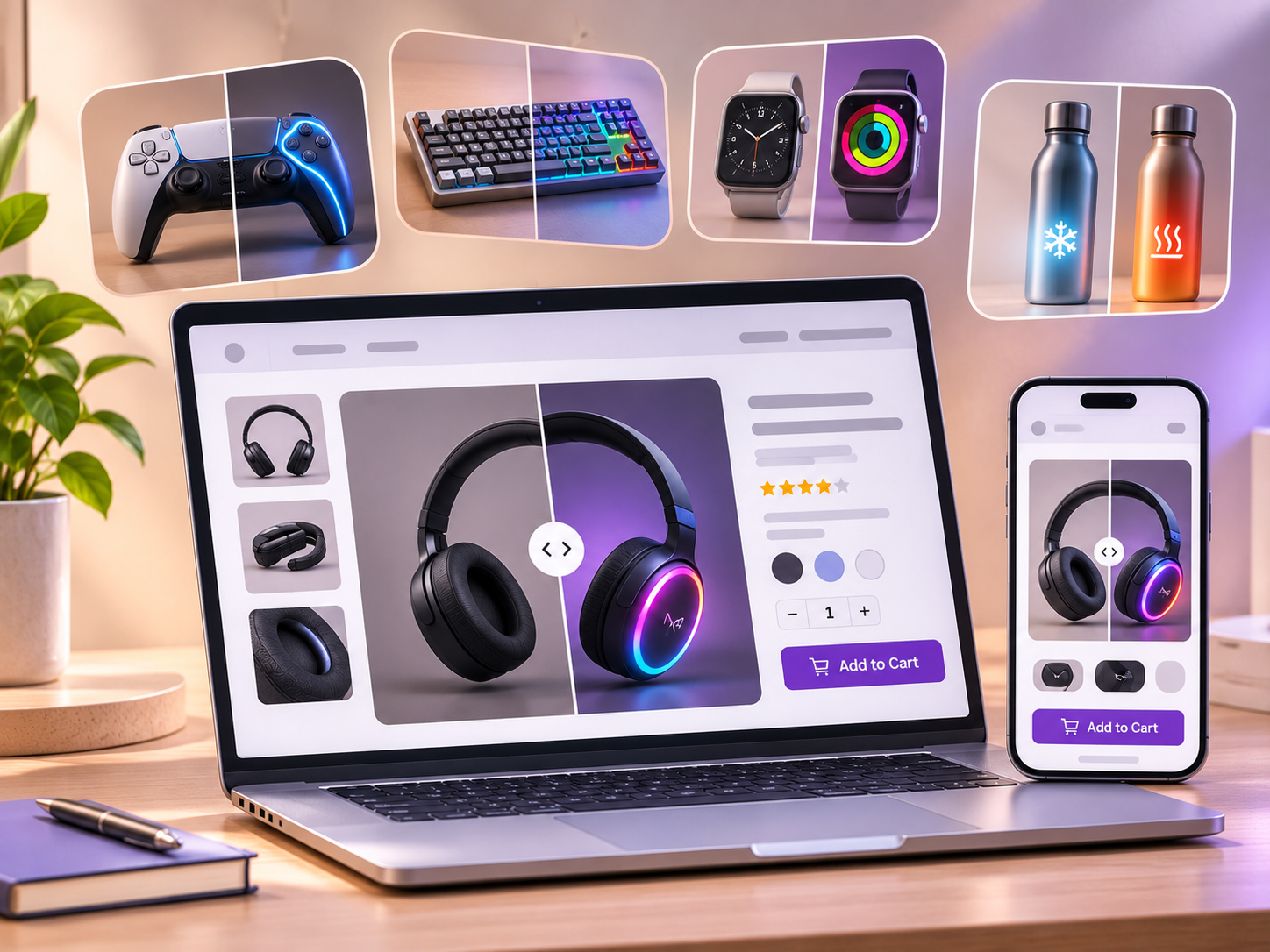
Show, Don't Just Tell: Why Interactive Product Demonstrations Matter in eCommerce
Imagine shopping for a wall light online.
You find a design you like. The product description mentions warm illumination, a premium finish, and a modern aesthetic. There are several photographs, but all of them show the light switched off.
You know what the fixture looks like. What you do not know is how it looks when illuminated.
Now imagine being able to switch the light on directly within the product image.
One interaction answers a question that several paragraphs of text might struggle to communicate.
This is the value of interactive product demonstrations in eCommerce. They help customers move beyond simply looking at a product to understanding how it works.
As online shopping experiences evolve, thoughtful product interactions can make product information more accessible, engaging, and useful.
The Limitation of Traditional Product Photography
Product photography has always been central to online shopping.
High-quality images help customers examine design, materials, colors, proportions, and other visual details. Multiple angles and lifestyle photographs provide additional context.
But photographs have limitations.
A static image captures a particular moment or configuration. It cannot always explain what happens when a product is used, opened, activated, or transformed.
Consider a few examples:
A ceiling fan photographed while stationary does not demonstrate its visual operating state.
A convertible sofa pictured as seating does not show its expanded sleeping configuration.
A laptop with its screen switched off does not communicate how its display looks when active.
A decorative light shown during daylight does not reveal its illuminated appearance.
Additional photographs can address these questions, but customers must find the right images and mentally connect the differences.
Interactive demonstrations offer another approach.
Rather than asking shoppers to interpret several separate images, they can provide a direct way to explore a specific product feature.
What Is an Interactive Product Demonstration?
An interactive product demonstration allows shoppers to explore a product through actions they control.
Instead of only reading descriptions or watching a presentation, customers can interact with visual information.
Depending on the product, this might involve:
Switching between on and off states
Viewing an item in different configurations
Exploring a 360-degree product view
Zooming into materials or details
Previewing available colors and finishes
Opening and closing a virtual product
Viewing a product within an augmented reality experience
These experiences vary significantly in complexity.
A furniture configurator may require advanced 3D rendering, while a product with two distinct visual states may only need two well-prepared images and a simple switch.
The objective is not to introduce interaction for its own sake. It is to help shoppers understand something meaningful about the product.
Why Interactive Product Demonstrations Matter
1. They Make Product Features Easier to Understand
Some features are difficult to describe but immediately recognizable when demonstrated.
For example, explaining how a particular wall light changes the atmosphere of a room may require detailed descriptions of brightness, illumination direction, and visual appearance.
Showing the difference between its illuminated and unilluminated states communicates part of that information much more directly.
Visual demonstrations can be especially useful when a feature affects how a product looks.
This does not eliminate the need for accurate technical specifications. Instead, it gives customers visual context for interpreting them.
2. They Give Shoppers More Control
Traditional product descriptions follow a fixed presentation.
Customers read the available information, browse photographs, and decide what to examine next.
Interactive demonstrations let shoppers control a specific part of that experience.
Someone interested in a lighting fixture can switch between states repeatedly. Another customer can compare the expanded and compact appearance of a furniture product.
This control helps shoppers focus on the information they personally find important.
It also makes product exploration feel less like viewing a catalogue and more like examining an item.
3. They Can Reduce Uncertainty
Online purchases often involve unanswered questions.
Will the product look as expected? Does it change appearance during use? How different are its available configurations?
Clear demonstrations can address some of these uncertainties before a customer reaches checkout.
However, an interactive preview should represent the actual product accurately.
A visual simulation should not exaggerate brightness, conceal limitations, or suggest functionality the product does not have.
Customer confidence comes from useful and trustworthy information, not simply from attractive presentation.
4. They Complement Product Descriptions and Galleries
Interactive demonstrations are not replacements for conventional product content.
A product gallery remains useful for examining angles, textures, details, and real-world scale.
Descriptions provide technical information, materials, dimensions, compatibility, and installation requirements.
Videos can show movement, sound, or processes that cannot be represented adequately through still images.
Interactive state switching adds another layer by making a particular visual difference immediately accessible.
The best approach depends on the product and the question the customer is trying to answer.
Interactive Demonstrations Do Not Have to Be Complicated
When merchants hear terms such as interactive commerce or product visualization, they may imagine expensive 3D models, complex configurators, or custom development.
Those solutions have legitimate uses, particularly for highly customizable products.
But many products do not require that level of complexity.
A lamp may simply need an on/off preview.
A storage unit may benefit from open and closed views.
A convertible piece of furniture may be easier to understand through its two principal configurations.
In these situations, a focused interaction can be more appropriate than an elaborate digital experience.
For WooCommerce stores, this distinction matters.
Merchants should evaluate the information customers need before choosing the technology used to present it.
The simplest useful interaction is often a sensible place to begin.
How StateSwitch Brings Interactive Product States to WooCommerce
WooCommerce already provides product images, galleries, variation management, and several ways to customize product presentation.
However, there is an important difference between showing available product variations and demonstrating the changing state of the same product.
A customer selecting between black and white versions of a lamp is choosing a product variation.
A customer switching between illuminated and unilluminated views of that lamp is exploring its functional appearance.
StateSwitch - Product State Switcher for WooCommerce focuses on the second experience.
It allows merchants to present two distinct visual states through an interactive switch, making it easier for shoppers to compare how a product looks in each state.
For example, a lighting retailer can prepare images of a fixture switched on and off. A shopper can then explore those states directly on the product page.
The interaction is intended to complement the existing WooCommerce shopping experience rather than replace conventional galleries, descriptions, or purchase controls.
For merchants selling products with meaningful visual states, this provides another way to communicate functionality clearly.
Where Interactive State Switching Makes Sense
Not every product needs an interactive state demonstration.
The strongest applications are products where two visual conditions communicate something useful.
Lighting and Electrical Products
Light fixtures, lamps, LED installations, and decorative lighting can be shown illuminated and unilluminated.
This helps shoppers understand the visual effect of the product rather than only its physical design.
Furniture and Home Products
Convertible furniture, folding tables, expandable storage, and opening mechanisms may benefit from compact and expanded views.
These previews can help customers understand the difference between configurations.
Electronics and Appliances
Devices with active and inactive displays, open and closed compartments, or other clearly visible states can be suitable candidates.
A state preview should accurately represent the appearance of the actual product.
Decorative and Functional Accessories
Some decorative products have reversible, covered, illuminated, or transformable arrangements.
When the visual difference is meaningful, interactive comparisons can make it easier to understand.
The important consideration is whether the interaction answers a genuine customer question.
Best Practices for Interactive Product Demonstrations
A useful interactive demonstration should be clear, accurate, accessible, and easy to operate.
Use Consistent Images
For two-state previews, photograph or render both states from the same camera angle.
Keep framing, scale, perspective, and background consistent wherever possible.
This makes the difference between states easier to identify.
Make the Interaction Obvious
Customers should understand how to interact with the product without reading lengthy instructions.
Use recognizable controls and concise labels such as "On" and "Off" when those descriptions accurately represent the states.
Design for Mobile Devices
Test interactive controls on actual smartphones.
Controls should be comfortably tappable, visual changes should remain clear on smaller screens, and the experience should not interfere with scrolling or purchasing.
Consider Accessibility
Interactive controls should support keyboard navigation, visible focus indicators, and understandable labels.
Where relevant, provide descriptive alternative text or accompanying information so customers are not dependent on visual interaction alone.
Keep Performance in Mind
Prepare appropriately sized images and use efficient file formats.
Avoid introducing complex effects or scripts when a simple state transition communicates the same information.
Measure Whether the Feature Helps
Track useful outcomes such as interaction usage, add-to-cart behavior, customer questions, and conversion performance.
Compare results carefully and avoid assuming that engagement automatically translates into additional sales.
The Future of Product Pages Is About Better Understanding
Interactive eCommerce is not simply about adding motion, animation, or visual effects to a storefront.
It is about making products easier to explore.
Traditional product photography, detailed descriptions, comparison tools, videos, and interactive previews all serve different purposes.
The most effective product pages combine these approaches thoughtfully, based on what customers need to know.
For WooCommerce merchants, improving the shopping experience does not necessarily require replacing a theme or building an entirely new storefront.
Sometimes, it begins with making one important product feature easier to see.
Show customers how a product works, not only what it looks like.
For products with visually distinct states, tools such as StateSwitch offer a focused way to bring that principle into the shopping experience.
Frequently Asked Questions
What are interactive product demonstrations in eCommerce?
Interactive product demonstrations are experiences that let online shoppers explore product features or visual configurations through actions such as switching states, rotating views, selecting options, or interacting with previews.
Are interactive product demonstrations useful for WooCommerce stores?
Yes, particularly for products where visual changes or functional configurations matter. The right approach depends on the type of product and whether an interaction helps customers understand it more clearly.
Do interactive product images improve conversion rates?
They may help customers evaluate products, but improved conversion rates are not guaranteed. Merchants should measure the effect of interactive features through analytics, usability testing, and controlled experiments when practical.
What is the difference between product variations and product states?
Product variations generally represent selectable options such as size, color, or material. Product states describe different conditions or appearances of the same product, such as a light switched on or off.
Do I need 3D models to create interactive product experiences?
No. Some experiences use 3D models or augmented reality, while others only need two consistent photographs and an interactive switching control.
Can StateSwitch replace WooCommerce product galleries?
StateSwitch is best understood as a complementary product-state demonstration tool, not a universal replacement for the WooCommerce gallery. Galleries remain useful for showing additional angles, close-ups, and other product information.
STATESWITCH
From the Journal
Continue Exploring
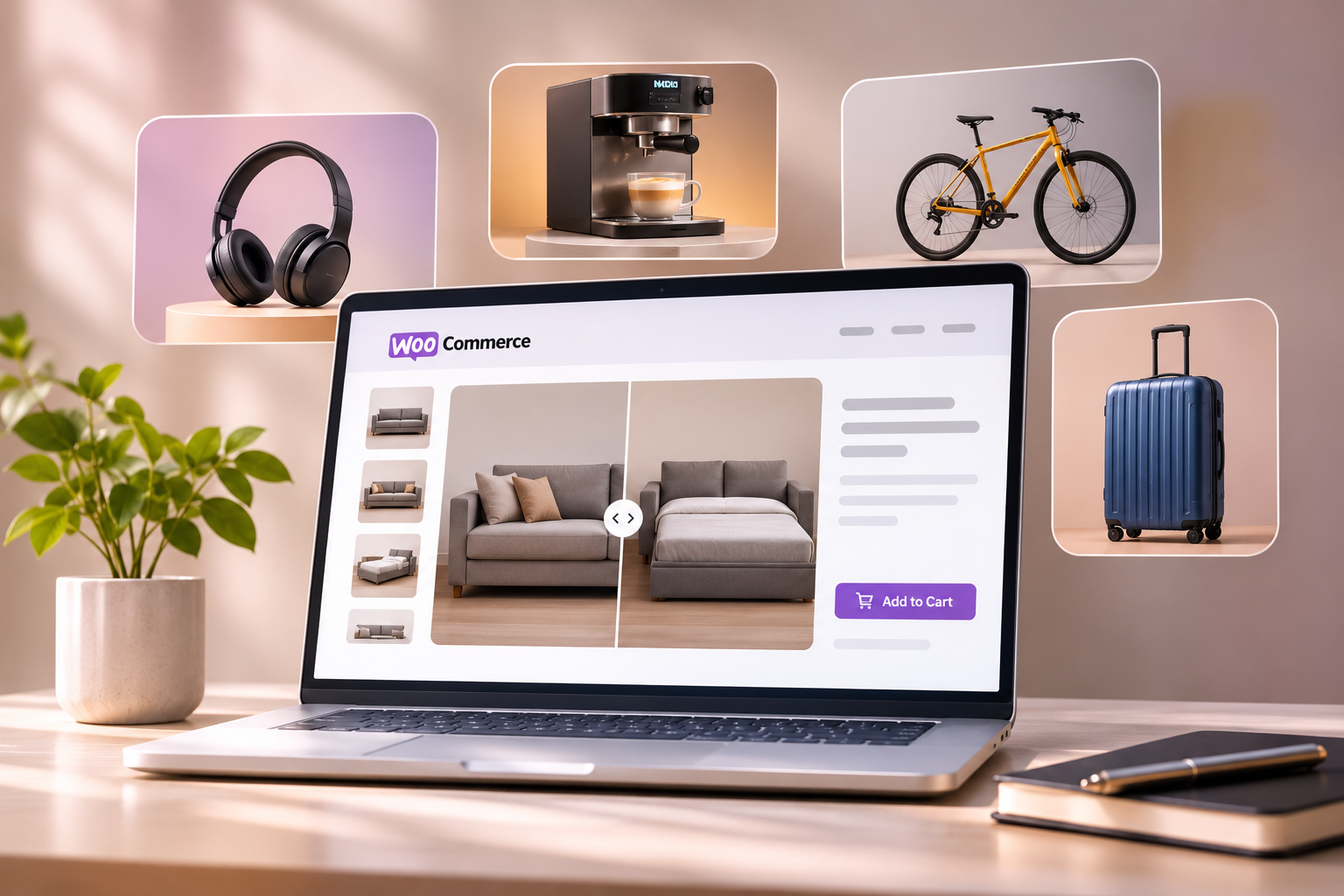
WooCommerce Product Images: Best Practices for Better Shopping Experiences
Great product imagery does more than make an online store look attractive. It helps customers understand what they are buying. Discover 10 practical WooCommerce product image best practices, from choosing the right dimensions and formats to building effective galleries, improving loading performance, and creating interactive product previews.
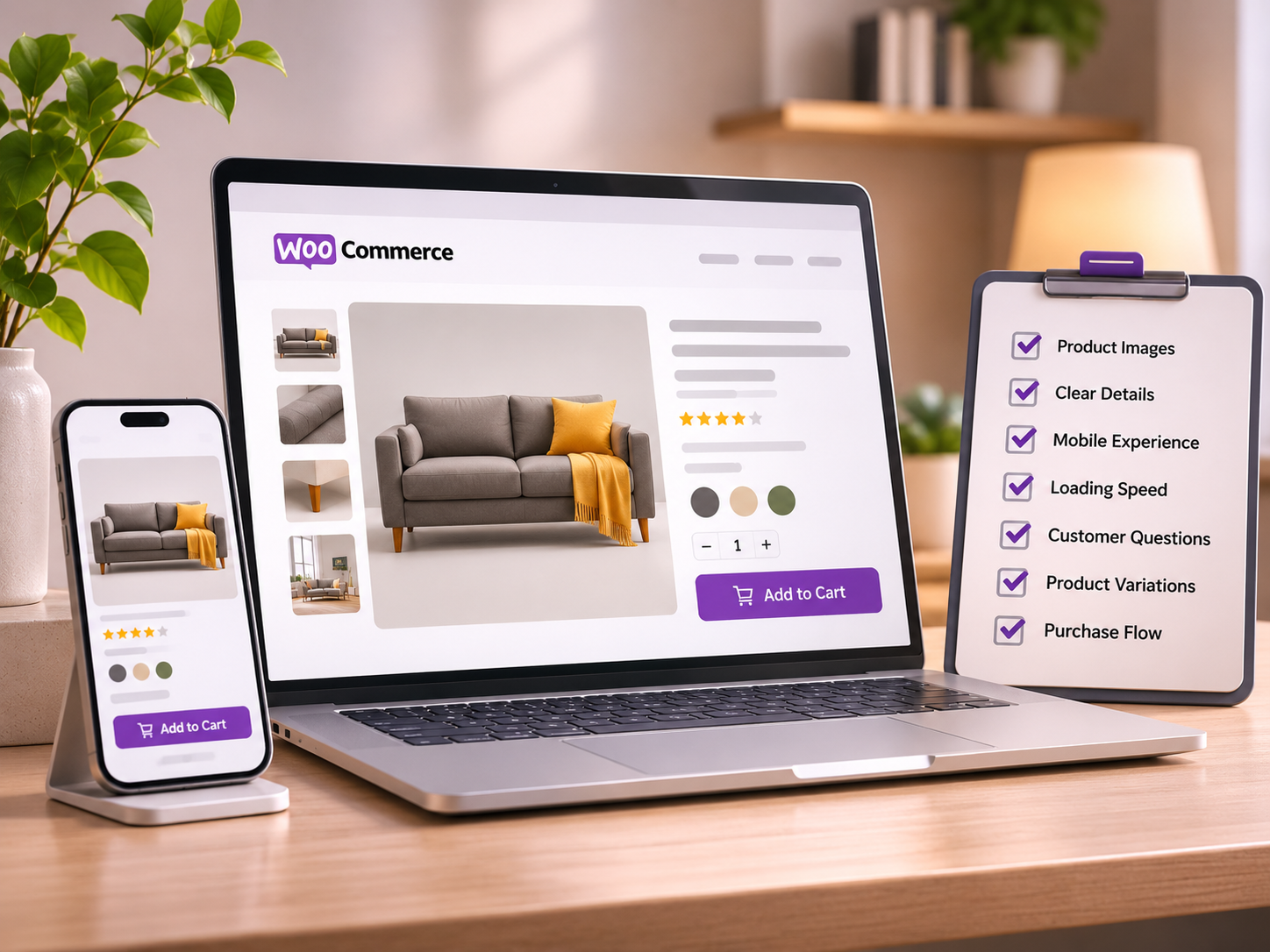
7 WooCommerce Product Page Mistakes That Could Be Costing You Sales
Your WooCommerce product page could be losing potential customers without you realizing it. From poor product imagery and slow loading times to missing interactive experiences, discover seven common mistakes and practical ways to create better shopping experiences that help customers buy with confidence.
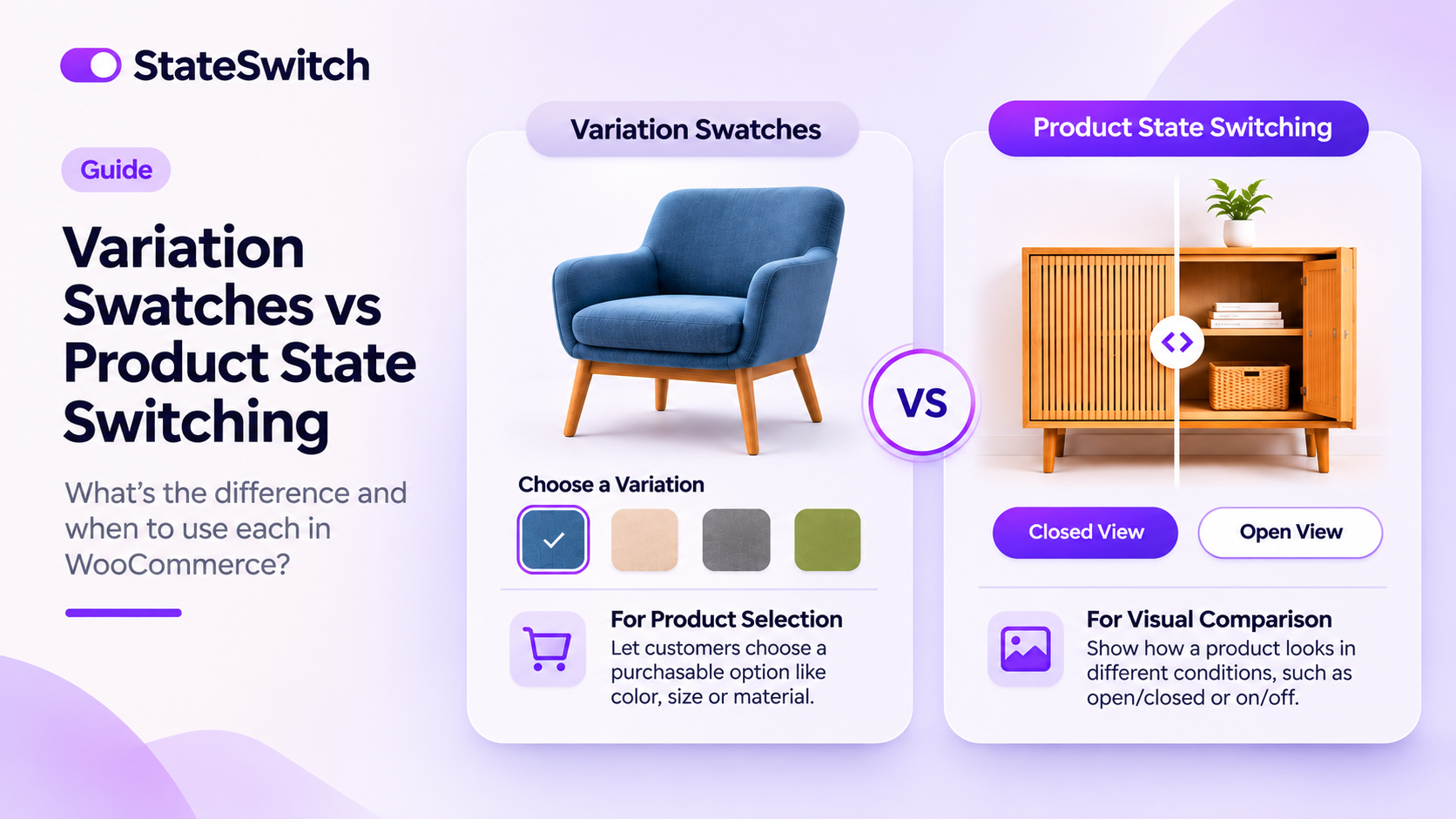
WooCommerce Variation Swatches vs Product State Switching: What's the Difference?
WooCommerce variation swatches and product state switching may look similar, but they serve different purposes. Discover how each works, when to use them, and how to create a more interactive shopping experience with the right product presentation tools.